
Adobe Express for Free
Designing stunning graphics used to require expensive software and years of practice. Fortunately, those days are gone. Adobe Express changed the game by putting professional design tools directly into your browser—and the best part? You can use it for free.
Whether you need a flyer for a school event, a social media post, or a quick video edit, Adobe Express has you covered. Let us walk through everything you need to know about using this powerful tool without spending a penny.
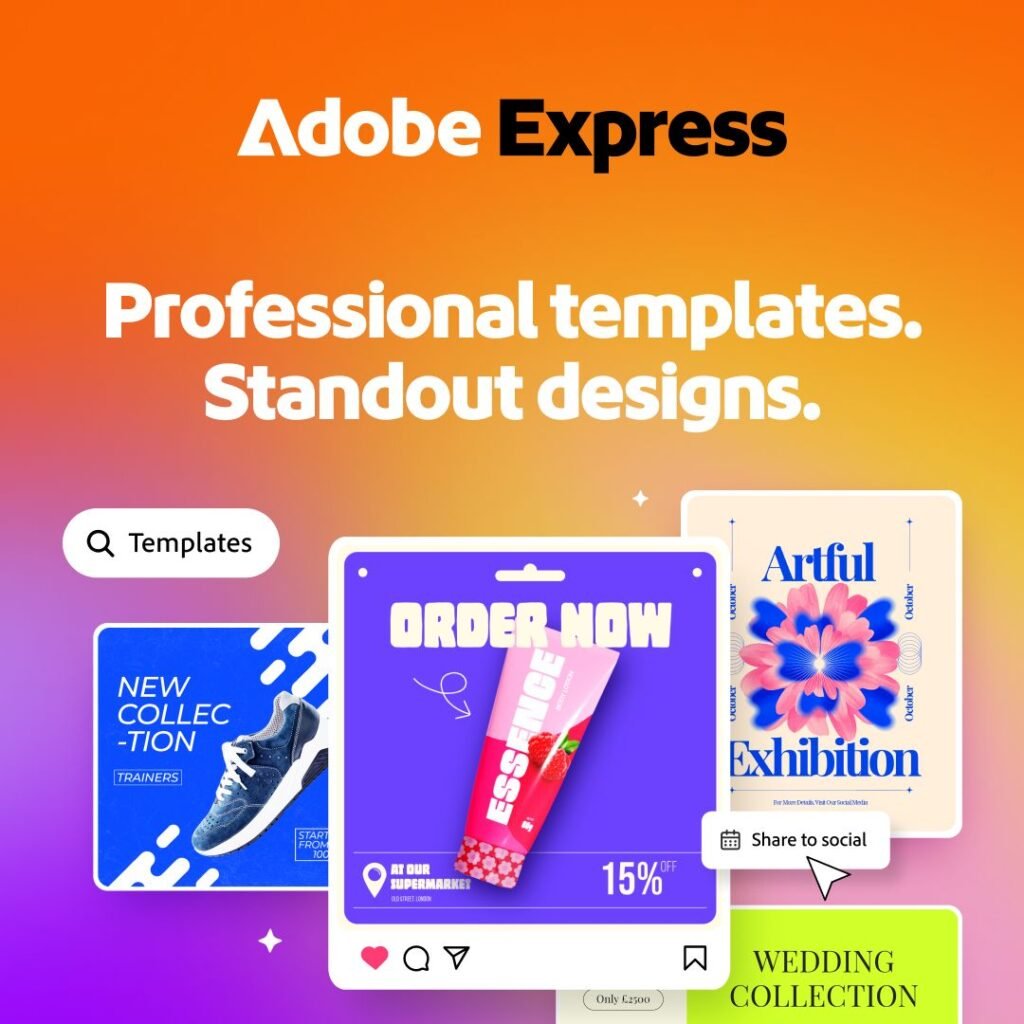
What Exactly Is Adobe Express?
Adobe Express is a cloud-based graphic design application that helps you create visual content quickly and easily. Moreover, think of it as Adobe’s answer to Canva, with the creative power behind Photoshop and Illustrator.
Additionally, the tool works right in your web browser, and you can also download mobile apps for iOS and Android. This means your projects sync automatically across devices. You can start a design on your laptop and finish it on your phone during your commute.
In addition to this, Adobe Express handles everything from social media graphics and flyers to presentations, videos, and newsletters. Moreover, you do not need any design experience to get started. The drag-and-drop interface makes it incredibly beginner-friendly.
What Does the Adobe Express Free Version Actually Include?
The free version of Adobe Express offers more features than you might expect. Specifically, here is what you get:
Templates and Assets
You gain access to over 100,000 professionally designed templates for both static and video projects. Additionally, the free plan includes more than 1 million royalty-free Adobe Stock photos, videos, music tracks, and design elements. That is a massive library of content at your fingertips.
Fonts
Adobe Express gives you access to over 4,000 custom fonts from the Adobe Fonts collection. Whether you need something professional or playful, you will find plenty of options.
Editing Tools
The free version includes standard photo, video, and document editing tools. You can remove backgrounds with one click, resize images, and make basic video edits. Quick actions like converting files to GIFs or editing PDFs are also available.
Cloud Storage
Your free account includes 5GB of cloud storage, plus 10 days of version history. This means you can go back to earlier versions of your designs if needed.
Social Media Scheduling
You can plan and schedule posts for one account per social network. This feature helps you maintain a consistent posting schedule without logging in separately.
How Does the AI Work in the Free Version?
Adobe Express integrates Adobe Firefly’s generative AI technology throughout the platform. The free version gives you 25 generative AI credits per month.
What can you do with these credits?
- Generate images from text descriptions
- Create custom templates
- Apply text effects like balloon or floral styles
- Remove objects from photos
- Generate similar content variations
For example, you can type “a serene mountain lake at sunset,” and Adobe Express will generate an image matching your description. Similarly, the remove object tool lets you paint over unwanted elements in a photo. The AI then fills the gap with realistic content.
Important note: Some actions do not consume your daily credits. These include editing operations like changing layouts, adjusting colors, applying fonts, and manual edits. Therefore, you can perform plenty of design work without worrying about your credit limit.
How to Get Started (Step by Step)
Getting started with Adobe Express takes just a few minutes. Follow these steps:
Step 1: Access the Platform
Go to express.adobe.com in your web browser.
Step 2: Create Your Account
Sign up using your email address. If you have a student email, you can access even more features—but we will cover that later.
Step 3: Choose Your Project
The home screen displays various options. You can search for a specific theme like “graduation” or “fundraiser,” or browse templates by document type such as flyer, poster, or slide deck.
Step 4: Start Designing
Select a template or create a blank project. From here, the left panel gives you access to templates, media, text, elements, and generative AI tools.
Step 5: Customize Your Design
Add your own images, change text, adjust colors, and rearrange elements. The interface is intuitive, so you can experiment freely.
Step 6: Download or Share
When you are satisfied with your creation, click the Download button in the top-right corner. You can export as PNG, JPG, or PDF. Alternatively, use the Share button to invite collaborators or schedule social media posts.
Pro Tips for Getting the Most Out of the Free Version
Log in with Your Student Account
Many educational institutions offer free access to Adobe Express Premium when you log in with your school email. This unlocks premium templates, additional fonts, and more storage. Check with your university’s IT department to see if you qualify.
Use Quick Actions for Common Tasks
Adobe Express includes “quick actions” for tasks you perform frequently. Need to resize an image? Select “Resize image” from the quick actions menu. You can also cut video clips, create collages, and convert file formats instantly.
Remove Backgrounds with One Click
This feature works surprisingly well. Select an image, click “Remove background,” and watch the magic happen. You can then place your subject on any background you choose.
Take Advantage of the Translate Tool
The built-in translation feature supports over 40 languages. You can select your target languages, choose a tone of voice, and Adobe Express will translate your entire document. This is incredibly useful for multilingual projects.
Import Photoshop and Illustrator Files
If you have existing designs in other Adobe apps, you can import them directly into Express. The tool preserves layers, so you can continue editing text, graphics, and colors seamlessly.
What Do You Miss Out On?
The free version is generous, but Premium offers additional benefits if you decide to upgrade. Premium costs $9.99 per month or $99.99 per year. Here is what you gain:
250 generative AI credits per month instead of 25. This allows for much more AI experimentation.
Access to over 200 million Adobe Stock assets compared to the free version’s 1 million. Additionally, you get unlimited premium templates rather than a limited selection.
More than 30,000 fonts instead of 4,000. Premium users can also remove video backgrounds, apply advanced animations, and use one-click resizing across multiple platforms.
100GB of cloud storage plus 30 days of version history. You can also schedule posts for up to three accounts per social network.
No watermarks on your designs. The free version adds watermarks when you use premium content, but Premium removes this limitation entirely.
Frequently Asked Questions
Is Adobe Express really free?
Yes, the free version requires no credit card and includes substantial features. The Premium version is optional.
Can I use Adobe Express on my phone?
Absolutely. The mobile apps work on iOS 17+ and Android 10+ devices. All your projects sync automatically across devices.
What happens to my projects if I don’t upgrade?
You keep access to your existing projects. However, some premium features, templates, and assets may become unavailable. You can continue using the free version with its basic tools.
How do generative AI credits work?
Think of them as tokens for AI features. Free users get 25 credits monthly. Premium users get 250 credits monthly. Credits reset every month.
Can students get Adobe Express for free?
Many universities provide free Adobe Express Premium access. Log in with your student email to see if you qualify.
Is Adobe Express better than Canva?
Both tools are excellent. Adobe Express integrates better with other Adobe products and offers superior AI features. Canva remains slightly easier for absolute beginners.
How do I remove a watermark?
Watermarks only appear when using premium content in the free version. To remove them, either avoid premium content or upgrade to Premium.
What file formats can I download?
You can download designs as PNG, JPG, PDF Standard, or PDF Print.
Final Thoughts
Adobe Express free version gives you everything you need to create professional-quality designs without spending money. The 25 monthly AI credits provide a taste of generative capabilities. The extensive template library and stock assets eliminate the need to start from scratch. The intuitive interface means you can focus on creativity rather than technical complexity.
Start today. Pick a template, play with the tools, and see what you can create. The only way to discover the possibilities is to dive right in.
Have you tried Adobe Express yet? What type of projects are you planning to create? Share your experience in the comments below!