
Understanding Smart Door Locks: A Comprehensive Guide
In today’s fast-paced world, technology has revolutionized the way we secure our homes. Smart door locks have emerged as a popular alternative to traditional keyed entry systems, offering convenience, enhanced security, and modern aesthetics. But how do they work? Are they truly safer than traditional locks? And how do you install or remove them? This blog will answer all your questions about smart door locks, including how to install, unlock, and remove them, while also exploring their safety and functionality.
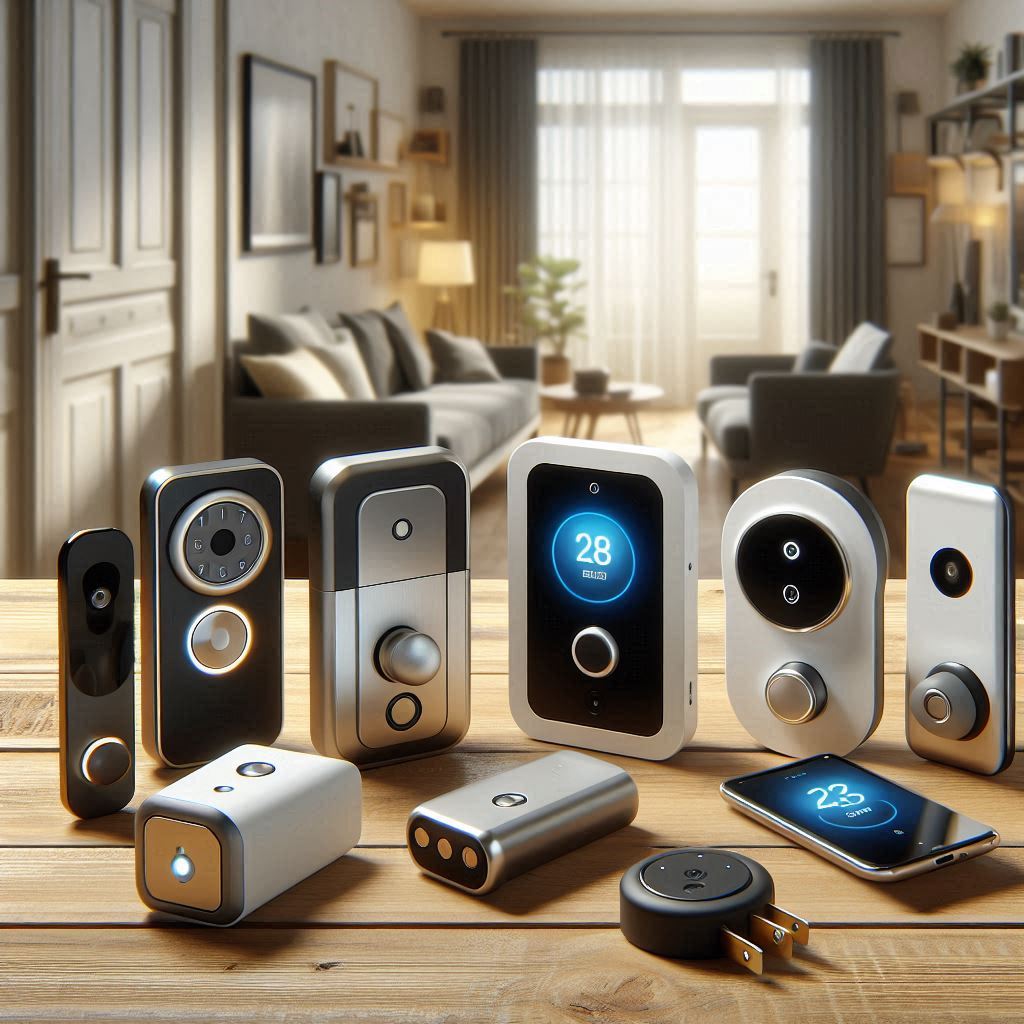
What Are Smart Door Locks?
These locks are electronic locking systems that allow for control of access to the home without a physical key. Instead, they use methods like fingerprints, PIN codes, mobile apps, or even voice commands to unlock your door. These locks are designed to integrate seamlessly with smart home systems, providing a higher level of convenience and security.
Unlike traditional locks, smart door locks offer features like remote access, activity logs, and temporary access codes. This means you can grant access to guests or service providers even when you’re not home. But before diving into the benefits, let’s address some common questions about smart door locks.
Are Smart Door Locks Safer Than Keyed Entry?
One of the most debated topics is whether smart door locks are safer than traditional keyed entry systems. The answer depends on how you define “safety.”
- Physical Security: These locks are often made from durable materials like aluminum or stainless steel, making it resistant to forced entry. Many models also feature anti-tamper technology, which alerts if someone tries to break in.
- Digital Security: While smart locks eliminate the risk of losing a physical key, they introduce potential vulnerabilities like hacking or software glitches. However, most reputable brands use advanced encryption to protect your data, making them just as secure as traditional locks, if not more.
- Convenience Equals Safety: Smart locks allow you to monitor who enters your home and when. You can also lock or unlock your door remotely, ensuring your home is always secure, even if you forget to lock it.
In summary, smart door locks offer a different kind of safety, one that combines physical durability with digital convenience.
How to Install a Smart Fingerprint Door Lock
Installing a smart fingerprint door lock might seem daunting, but it’s a straightforward process if you follow the right steps. Here’s a step-by-step guide:
- Gather Your Tools: You’ll need a screwdriver, measuring tape, and the installation manual provided with your lock.
- Remove the Existing Lock: Unscrew and remove your current lock mechanism. Make sure to keep the screws and parts in case you need to reinstall the old lock later.
- Measure and Mark: Use the template provided with your smart lock to mark the positions for the new screws and holes. Ensure locks are aligned properly with the door frame.
- Install the Lock Mechanism: Secure the interior and exterior parts of the lock using the screws provided. Make sure that these locks are firmly attached and don’t wobble.
- Connect the Wiring: If your lock requires batteries, insert them. For wired models, connect the wires according to the manufacturer’s instructions.
- Test the Lock: Before closing everything up, test the lock to ensure it works properly. Register your fingerprint and try unlocking the door.
- Secure the Lock: Once everything is working, tighten all screws and ensure the lock is securely in place.
By following these steps, you can easily install a smart fingerprint door lock and enjoy the convenience it offers.
How to Unlock a Smart Door Lock
Unlocking a smart door lock is as simple as using your preferred method of access. Here’s how you can do it:
- Fingerprint: Place and register your finger on the scanner. The lock will recognize your print and unlock the door.
- PIN Code: Enter pre-set PIN code using the keypad. Some locks also allow temporary codes for guests.
- Mobile App: Open the app connected to your smart lock and tap the “unlock” button. This is especially useful if you’re not at home and need to let someone in.
- Voice Command: Connect your smart lock to Alexa or Google Home to unlock doors via voice commands.
- Manual Key: Most smart locks come with a physical key as a backup. Use it if the electronic system fails.
Unlocking a smart door lock is quick and hassle-free, making it a great choice for busy households.
How to Remove a Yale Smart Lock from a Door
If you’re upgrading or replacing your Yale smart lock, here’s how to remove it safely:
- Disconnect the Power: Remove the batteries or disconnect the power source to avoid any electrical issues.
- Unscrew the Interior Panel: Use a screwdriver to remove the screws holding the interior panel in place.
- Detach the Exterior Panel: Carefully remove the exterior panel by unscrewing it. Be gentle to avoid damaging the door.
- Remove the Lock Mechanism: Take out the lock mechanism from the door. You may need to unscrew additional components depending on the model.
- Clean the Area: Once these locks are removed, clean the door and prepare it for the new lock or a replacement.
Removing a Yale smart lock is a simple process, but always refer to the manufacturer’s instructions for specific details.
Are Smart Door Locks Safe?
Safety is a top concern when it comes to smart door locks. Here’s what you need to know:
- Encryption: Reputable brands use advanced encryption to protect your data, making it difficult for hackers to breach the system.
- Regular Updates: Smart locks receive firmware updates to fix vulnerabilities and improve performance. Always keep your lock updated.
- Backup Options: Most smart locks come with backup methods like physical keys or manual overrides, ensuring you’re never locked out.
- Activity Logs: Smart locks keep a record of who enters and exits your home, giving you peace of mind.
While no system is entirely foolproof, these locks are designed with multiple layers of security to keep your home safe.
Aluminum Door Lock Smart: A Durable Choice
Aluminum smart locks are gaining popularity due to their durability and sleek design. It is lightweight, corrosion-resistant, and strong, making it an excellent material for door locks. These locks are perfect for modern homes, offering both security and style.
When choosing an aluminum smart lock, look for features like fingerprint recognition, mobile app integration, and anti-tamper technology. These features ensure your lock is not only durable but also functional and secure.
Conclusion
Smart door locks are a game-changer in home security, offering convenience, advanced features, and modern aesthetics. Whether you’re installing a smart fingerprint door lock, unlocking it with ease, or removing a Yale smart lock, the process is simple. While they may have some vulnerabilities, smart locks are generally safe and often more secure than traditional keyed entry systems.
If you’re considering upgrading to a smart lock, choose a reputable brand and follow the installation instructions carefully. With the right lock, you can enjoy peace of mind knowing your home is secure and accessible in ways that suit your lifestyle.
So, are smart door locks worth it? Absolutely. They’re not just a trend—they’re the future of home security.