
GitHub for Beginners
If you want to learn coding, build projects, or work with other developers, you need to understand GitHub. Today, companies expect developers to know it. Open-source communities depend on it. Even students use it to showcase their work.
But here’s the good news: GitHub is not as complicated as it looks.
In this beginner-friendly guide, you will learn what GitHub is, how it works, and how to start using it step by step. I will explain everything in clear language. I will use simple examples. And most importantly, I will help you feel confident.
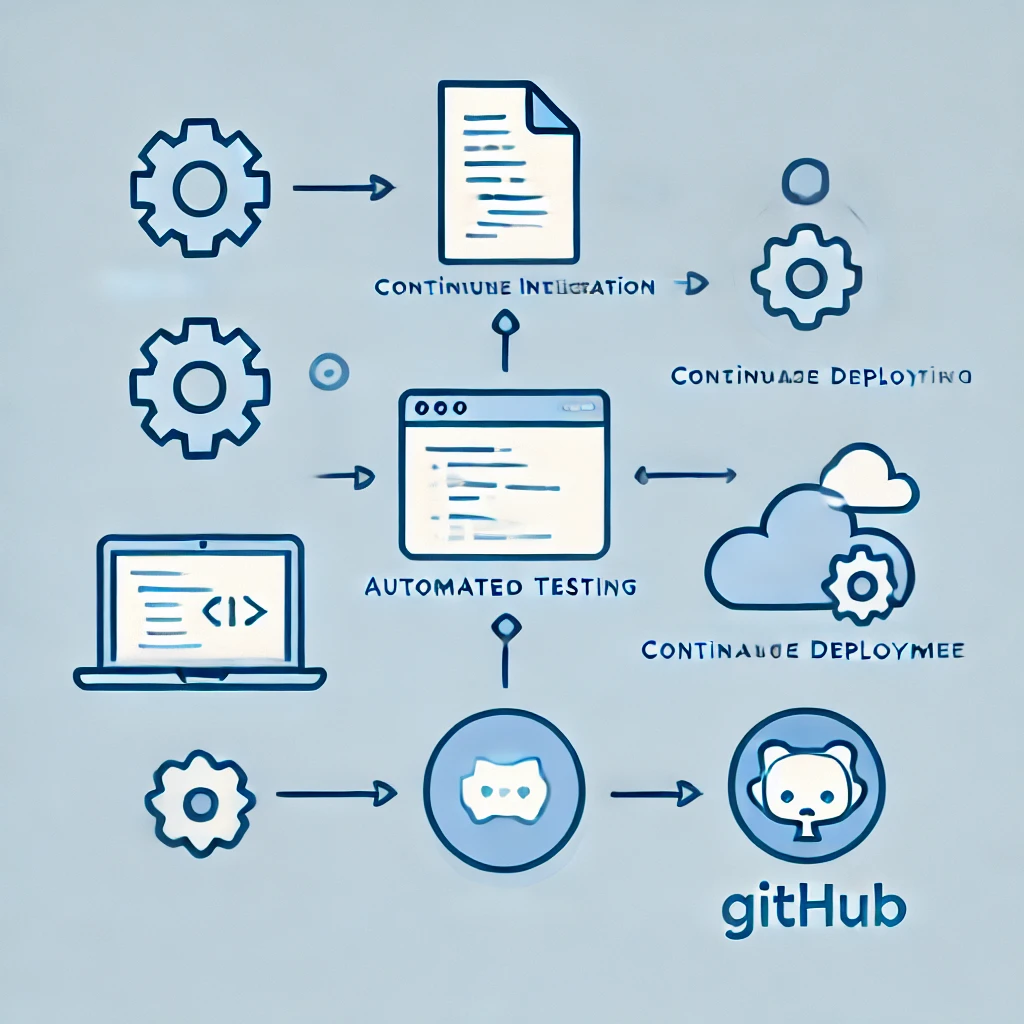
Let’s get started.
What Is GitHub?
It is a web-based platform that helps developers store, manage, and share their code.
However, it does not work alone. It is built on top of Git.
Git is a version control system. In simple words, Git tracks changes in your files. It remembers every update. So if you make a mistake, you can go back to a previous version.
Now, GitHub takes Git and puts it online. As a result, you can:
- Save your code in the cloud
- Work with other developers
- Track changes easily
- Contribute to open-source projects
- Show your work to employers
In short, Git tracks changes. GitHub stores and shares them.
If you want to read about Flux.AI, click here.
Why Should Beginners Use GitHub?
You may wonder, “Do I really need it as a beginner?”
Yes. And here’s why.
1. It Builds Your Portfolio
First, it acts like a public resume. Employers often check GitHub profiles before interviews. When you upload projects, you prove your skills.
2. It Teaches Real-World Collaboration
Next, it teaches you how developers work in teams. You learn about branches, pull requests, and code reviews. These skills matter in real jobs.
3. It Protects Your Code
In addition, it keeps your code safe. If your laptop crashes, your code stays secure online.
4. It Encourages Learning
Finally, you can explore millions of public repositories. You can study real projects. You can even contribute.
Therefore, it is not optional anymore. It is essential.
Key Terms Every Beginner Must Know
Before you start, you need to understand a few basic terms.
Repository (Repo)
A repository is a folder for your project. It contains your code, files, and history.
Commit
A commit saves changes. Think of it as a checkpoint.
Branch
A branch allows you to work on changes without affecting the main project.
Pull Request
A pull request asks to merge your changes into another branch. Teams use it to review code.
Clone
Cloning copies a repository from it to your computer.
At first, these words may sound technical. However, once you practice, they will feel natural.
How to Create a GitHub Account
Starting is simple.
- Firstly, visit the GitHub website.
- Secondly, click “Sign Up.”
- Thirdly, enter your email.
- Fourthly, choose a username.
- Then, create a strong password.
- Finally, verify your account.
That’s it. You now have a GitHub account.
How to Create Your First Repository
Now let’s create your first project.
- Firstly, log in to GitHub.
- Secondly, click the “+” icon.
- Thirdly, select “New repository.”
- Fourthly, enter a repository name.
- Then, add a description.
- Choose Public or Private.
- Finally, click “Create repository.”
Congratulations! You just created your first repository.
How to Upload Code to GitHub
You have two main ways to upload code.
Method 1: Upload Files Directly
This method works best for beginners.
- Firstly, open your repository.
- Secondly, click “Add file.”
- Thirdly, select “Upload files.”
- Fourthly, drag and drop your files.
- Then, write a commit message.
- Finally, click “Commit changes.”
Simple and quick.
Method 2: Use Git on Your Computer
This method gives you more control.
Firstly, install Git on your computer. Then:
git init
git add .
 commit -m "First commit"
 remote add origin repository-URL
git push -u origin main
These commands connect your local project to GitHub.
At first, the command line may feel scary. However, practice makes it easy.
Understanding Branches
Branches help you experiment safely.
For example, imagine you want to add a new feature. Instead of editing the main branch, you create a new branch. You test changes there. If everything works, you merge it back.
This approach prevents mistakes from breaking your main project.
Therefore, branches protect your work.
What Is a Pull Request?
A pull request allows you to suggest changes.
Here’s how it works:
- Firstly, create a branch.
- Secondly, make changes.
- Thirdly, push changes.
- Then, Click “New Pull Request.”
- Finally, submit for review.
Then, teammates review your code. They may suggest edits. After approval, they merge it.
This process improves code quality. It also encourages teamwork.
How to Contribute to Open Source
Open-source projects welcome contributions.
First, find a beginner-friendly project. Many repositories label issues as “good first issue.”
Next:
- Firstly, fork the repository.
- Secondly, clone it.
- Thirdly, make changes.
- Fourthly, create a pull request.
As a result, you gain experience. You also build your reputation.
Common Mistakes Beginners Make
Let’s avoid common problems.
1. Ignoring Commit Messages
Always write clear commit messages. For example:
- Firstly, “Fix login bug.”
- Then, “Add contact form.”
Clear messages help others understand your changes.
2. Uploading Sensitive Information
Never upload passwords or API keys. Instead, use environment variables.
3. Working Directly on Main Branch
Always use branches for new features.
By avoiding these mistakes, you grow faster.
Tips to Improve Your GitHub Profile
Your profile matters.
Add a Professional Bio
Write who you are and what you do.
Pin Your Best Projects
Highlight your strongest work.
Write Clear README Files
A README explains your project. Include:
- Firstly, the project’s purpose
- Secondly, installation steps
- Thirdly, usage instructions
- Then, screenshots
A strong README makes your project stand out.
How GitHub Helps Your Career
Today, companies like Google, Microsoft, and Amazon value real-world skills.
When recruiters see:
- Active repositories
- Consistent commits
- Clean documentation
They see dedication.
Therefore, GitHub increases job opportunities.
Is GitHub Difficult to Learn?
No. It only feels complex at first.
Start small:
- Firstly, create simple projects.
- Secondly, practice daily.
- Then, learn one command at a time.
Soon, everything connects.
Remember, every expert was once a beginner.
Frequently Asked Questions (FAQ)
1. Is GitHub free?
Yes. it offers free plans for public and private repositories. Paid plans provide advanced features.
2. Do I need to learn Git before GitHub?
Yes, basic Git knowledge helps. However, you can learn both together.
3. Can non-developers use GitHub?
Yes. Writers, designers, and students also use it to manage projects.
4. What is the difference between Git and GitHub?
Git is a version control system. GitHub is a cloud platform that hosts Git repositories.
5. How often should I commit changes?
Commit regularly. Small, frequent commits work best.
6. Is GitHub safe?
Yes, if you avoid uploading sensitive data.
7. Can GitHub help me get a job?
Absolutely. Many employers review GitHub profiles during hiring.
Final Thoughts
GitHub may look intimidating. However, it becomes simple once you understand the basics.
Firstly, learn Git.
Next, create repositories.
Then, practice commits and branches.
Finally, contribute to open source.
Step by step, you will grow.
Do not wait for perfection. Start today. Upload your first project. Make mistakes. Learn from them. Improve daily.
Over time, GitHub will not just store your code. It will tell your story as a developer.
And that story can open doors you never imagined.