
Introduction
Gone are the days when building an app required years of coding experience. Thanks to no-code tools, anyone, from entrepreneurs, marketers, or small business owners, can create a fully functional app without writing a single line of code.
Building an app used to be hard. You needed to know complex coding languages. Not anymore! Today, no-code tools let anyone create apps fast, no tech skills required.
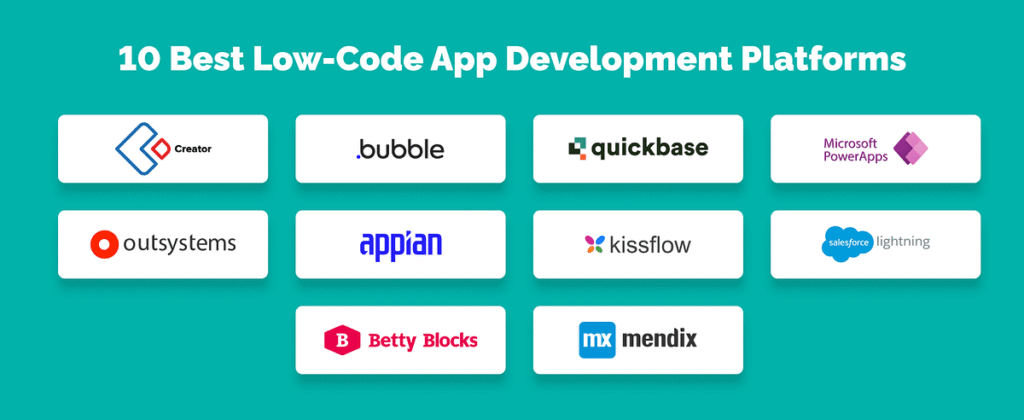
Want to build your app? Great! This guide will show you:
✔ Firstly, why is it perfect for beginners
✔ Secondly, Easy steps to make your first app
Thirdly, the best tools to use
✔ Finally, Smart tips to make your app successful
Let’s get started!
Why No-Code Apps Are So Popular
These tools are changing how we make apps. Here’s why they work so well:
1. Super Fast
Additionally, traditional coding takes months. With no-code, you can build an app in days.
2. Saves Money
Moreover, hiring developers costs thousands. No-code tools are much cheaper.
3. No Tech Skills Needed
Furthermore, if you can use a phone, you can build an app. It’s that simple.
4. Easy to Change
Then, made a mistake? Just drag and drop to fix it – no messy code to rewrite.
Now, let’s build your app!
If you want to read How to Master AI in 2025, Click Here
Step 1: Know What Your No-Code Will Do
First, answer these questions:
- Firstly, what problem will my app solve?
- Secondly, who will use it?
- Then, what features do I need?
Examples:
- Firstly, A fitness app needs workout trackers
- Secondly, A store app needs a shopping cart
Moreover, Helpful Tip: Draw your app first. Use paper or free tools like Figma.
Step 2: Pick Your No-Code Tool
Different tools work best for different apps:
Best for Mobile Apps
- Firstly, Adalo (Looks professional)
- Secondly, Glide (Works with Google Sheets)
Best for Websites
- Firstly, Bubble (Powerful features)
- Secondly, Webflow (Beautiful designs)
Best for Automating Tasks
- Zapier (Connects apps easily)
Price Comparison:
| Tool | Best For | Cost |
|---|---|---|
| Adalo | Mobile Apps | $50/month |
| Bubble | Web Apps | $29/month |
| Glide | Simple Apps | Free option |
Step 3: Design Your No-Code App
Make your app easy and fun to use:
1. Keep It Clean
Firstly, don’t crowd the screen. Use simple menus and big buttons.
2. Use Ready-Made Designs
Secondly, most tools offer templates; use them to save time.
3. Work on Phones
Thirdly, test that everything looks good on small screens.
Furthermore, Smart Tip: Ask friends to try your app before finishing it.
No-Code App Step 4: Add Important Features
Every good app needs:
1. Login Options
Firstly, let users sign in with their email or social media.
2. Data Storage
Secondly, connect to Google Sheets or Airtable to save information.
3. Payments
Thirdly, add Stripe or PayPal if you’re selling something.
4. Alerts
Then, use OneSignal to send notifications.
No-Code App Step 5: Test and Launch
Before sharing your app:
✅ Firstly, try it on different phones
Secondly, fix any problems
✅ Then, make sure it loads quickly
Then publish it:
- Firstly, Apple App Store (for iPhones)
- Secondly, Google Play (for Android)
- Thirdly, Web (for websites)
Final Advice for No-Code App
Building apps is now easy and affordable. With no-code tools, anyone can turn their idea into reality.
Furthermore, what are you waiting for? Pick a tool and start building today!
Common Questions
Q: Can no-code apps handle lots of users?
A: Yes! Many support thousands of users with the right setup.
Q: Are these apps safe?
A: Most use strong security, like bank websites.
Q: Can I make money from my app?
A: Definitely! Try ads, subscriptions, or selling products.