
Introduction
In today’s hyperconnected world, staying online is no longer a luxury – it’s a necessity. The Legion LM60 Wi-Fi device steps in as a game-changing solution for those who need reliable internet access on the go. Whether you’re a digital nomad, frequent traveler, or someone who needs a backup internet connection, this comprehensive guide will walk you through everything you need to know about this powerful device.
What Makes the Legion LM60 Wi-Fi Stand Out?
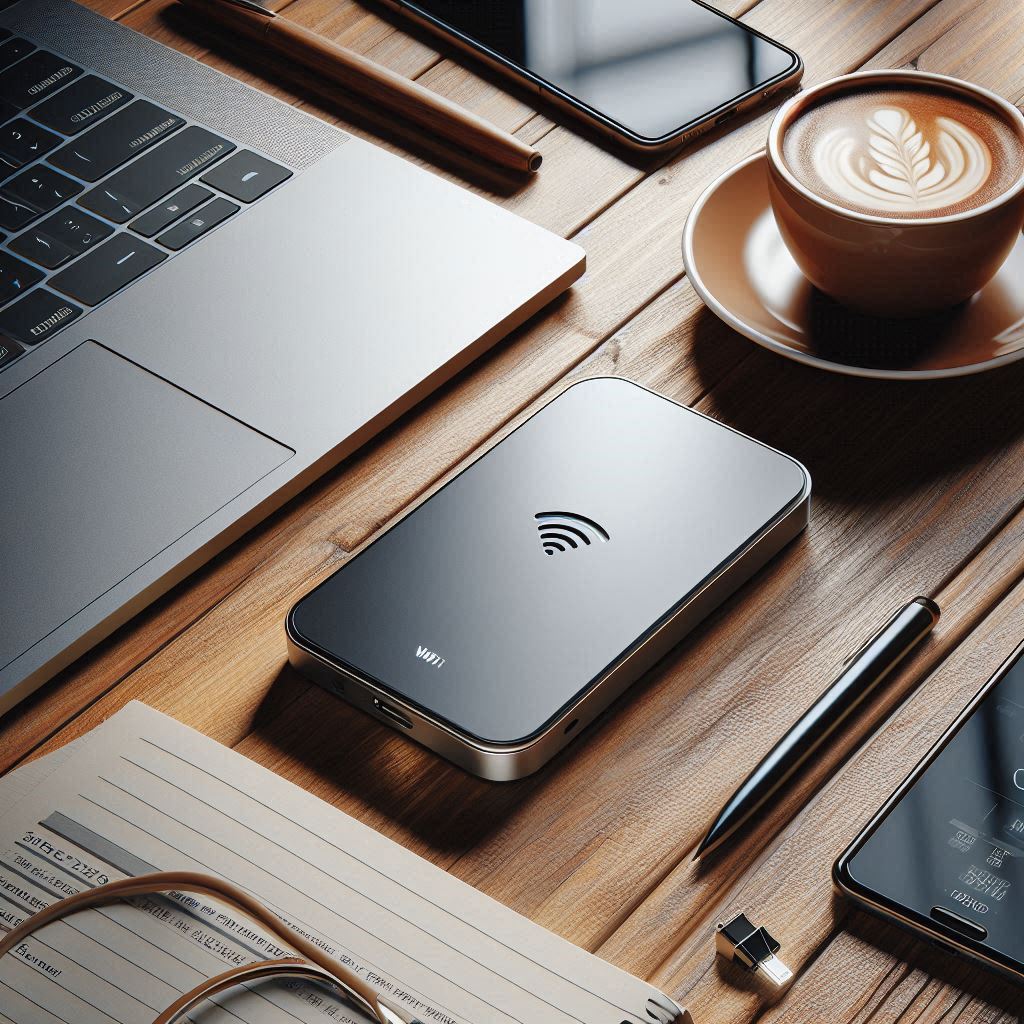
The Legion LM60 isn’t just another portable Wi-Fi device. At its core, it’s a compact powerhouse that transforms cellular signals into a stable Wi-Fi connection. This sleek device fits comfortably in your pocket while providing high-speed internet access for up to 16 devices simultaneously.
If you want to read Lenovo Magnetic Wireless charger, Click Here
Legion LM60 Wi-Fi Design and Build Quality
First impressions matter, and the LM60 doesn’t disappoint. The device sports a modern, minimalist design with a durable plastic body that can withstand daily wear and tear. The LED display shows essential information like signal strength, battery life, and data usage at a glance.
Furthermore, the ergonomic design makes it comfortable to hold and carry. The power button and navigation controls are thoughtfully placed, making operation intuitive even for first-time users.
Legion LM60 Wi-Fi Performance That Delivers
When it comes to performance, the LM60 shines bright. The device supports 4G LTE networks and delivers impressive download speeds of up to 150 Mbps. This means you can stream HD videos, participate in video conferences, or download large files without frustrating delays.
Moreover, the device maintains stable connections even in areas with moderate signal strength. The built-in antenna optimization ensures you get the best possible signal wherever you are.
Battery Life and Power Management of Legion LM60 Wi-Fi
One of the standout features of the LM60 is its remarkable battery life. The 2400mAh battery provides up to 8 hours of continuous use on a single charge. This makes it perfect for long workdays or extended travel periods.
Additionally, the device includes smart power management features. It automatically enters sleep mode when not in use and includes fast-charging capability, getting you back to full power in about 3 hours.
Setting Up Your Legion LM60 Wi-Fi
Getting started with the Legion LM60 Portable Wi-Fi is refreshingly simple. Insert your SIM card, power on the device, and connect your devices to the Wi-Fi network using the password provided. The entire process takes less than five minutes.
Furthermore, the device supports both 2.4GHz and 5GHz bands, giving you flexibility in how you connect your devices. The 5GHz band offers faster speeds for nearby devices, while the 2.4GHz band provides better range and wall penetration.
Security Features
Security remains a top priority for the LM60. The device supports WPA2 encryption, keeping your connection safe from unauthorized access. You can easily change the default password and network name through the web interface or mobile app.
Additionally, the device includes built-in firewall protection and the ability to block unwanted devices from connecting to your network.
Mobile App Integration
The LM60’s companion mobile app takes usability to the next level. Through the app, you can monitor data usage, adjust network settings, and even set up guest networks. The interface is clean and user-friendly, making network management a breeze.
Moreover, the app sends notifications about battery level, data usage limits, and firmware updates, helping you stay on top of your device’s maintenance.
Cost Efficiency
Unlike traditional mobile hotspots, the Legion LM60 Portable Wi-Fi offers excellent value for money. The device works with most major carriers, allowing you to shop around for the best data plans. This flexibility can lead to significant savings over time.
Additionally, the ability to share the connection with multiple devices makes it a cost-effective solution for small teams or families traveling together.
Troubleshooting and Maintenance
Like any technology, the Legion LM60 Portable Wi-Fi may occasionally need some attention. Regular firmware updates keep the device running smoothly and add new features. The device automatically checks for updates, making maintenance hassle-free.
Furthermore, the comprehensive user manual includes detailed troubleshooting guides for common issues. Most problems can be resolved with a simple restart or settings adjustment.
Frequently Asked Questions
Q: How many devices can connect to the LM60 simultaneously?
A: The LM60 supports up to 16 devices connected at the same time without significant performance degradation.
Q: What cellular networks are compatible with the LM60?
A: The device works with most 4G LTE networks worldwide. It’s carrier-unlocked, meaning you can use SIM cards from different providers.
Q: Can I use the LM60 internationally?
A: Yes, the device supports international roaming. However, you’ll need to ensure your SIM card has international data capabilities or purchase a local SIM card at your destination.
Q: How do I check my data usage?
A: You can monitor data usage through the LED display, web interface, or mobile app. The app provides the most detailed usage statistics and allows you to set data limits.
Q: Is the LM60 compatible with 5G networks?
A: No, the LM60 currently supports up to 4G LTE networks. However, its 4G speeds are sufficient for most everyday internet activities.
Q: Can I share files between devices connected to the LM60?
A: Yes, devices connected to the same network can share files using standard networking protocols or file-sharing apps.
Q: How long does the battery last in standby mode?
A: In standby mode, the battery can last up to 48 hours, depending on network conditions and settings.
Q: Can I use the LM60 while it’s charging?
A: Yes, the device functions normally while charging, though this may generate additional heat.
Conclusion
The Legion LM60 Portable Wi-Fi device stands as a reliable solution for anyone needing mobile internet access. Its combination of performance, battery life, and user-friendly features makes it an excellent choice for both casual and power users.
Whether you’re working remotely, traveling, or need a backup internet connection, the LM60 delivers consistent performance when you need it most. The device’s thoughtful design, robust security features, and comprehensive mobile app integration create a seamless user experience that’s hard to beat.
Keep in mind that while the LM60 offers impressive capabilities, it’s essential to choose the right data plan for your needs. With the right setup, this portable Wi-Fi device can transform how you stay connected in our increasingly mobile world.